Game Details
Screenshots
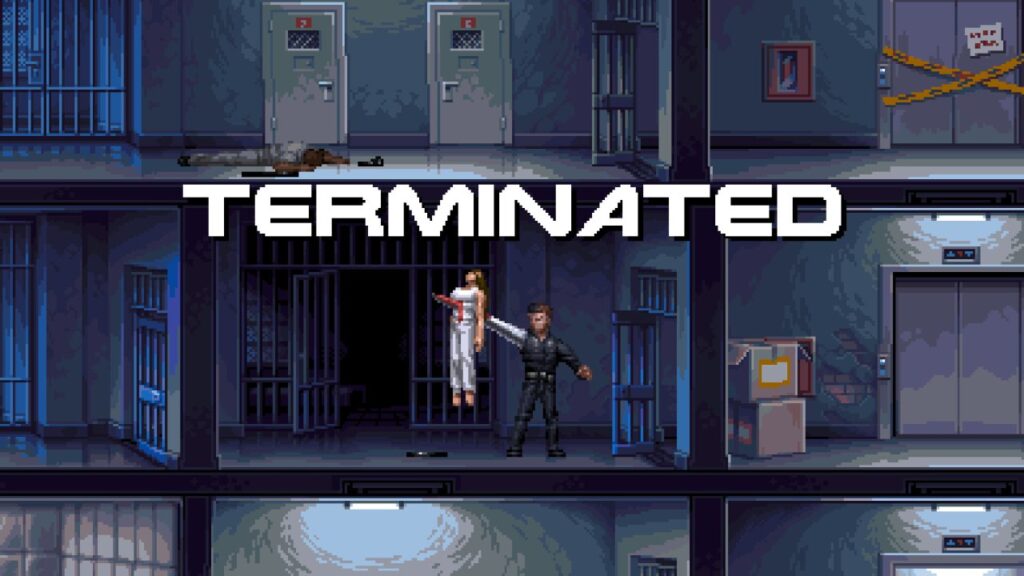
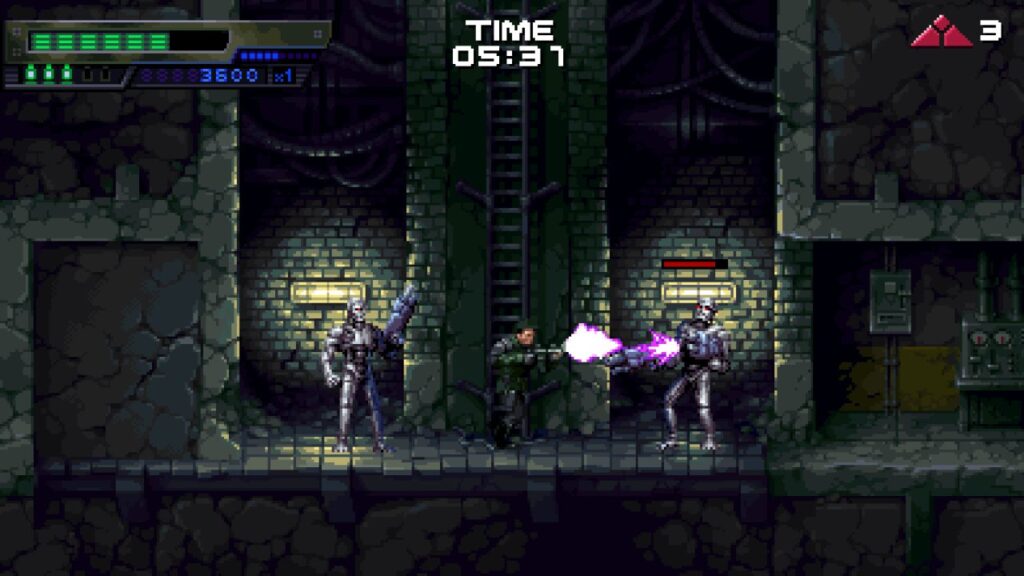
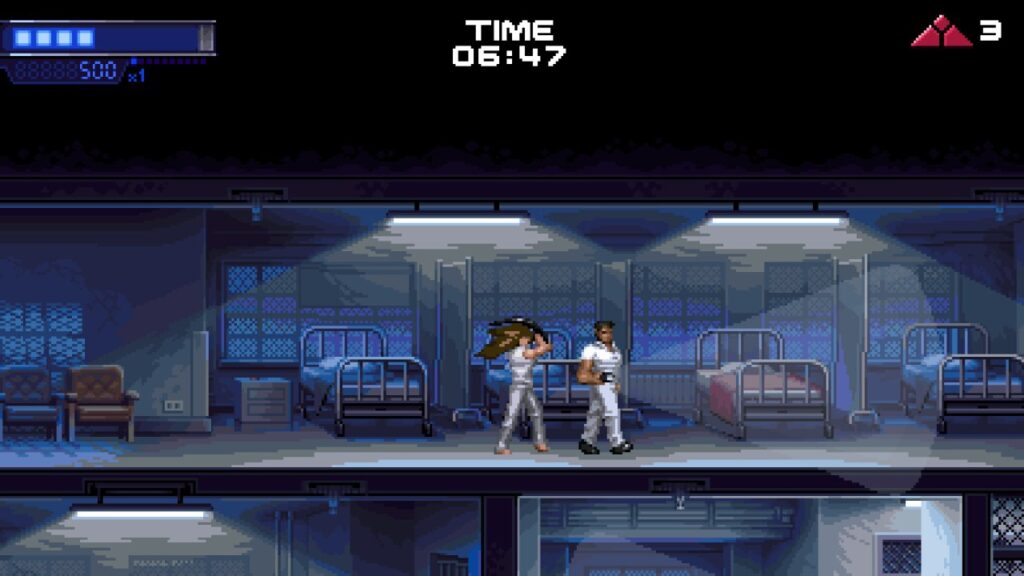
About Terminator 2D: NO FATE NSP
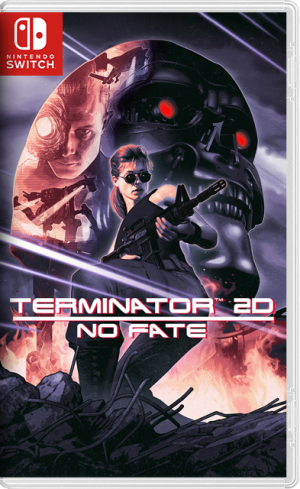
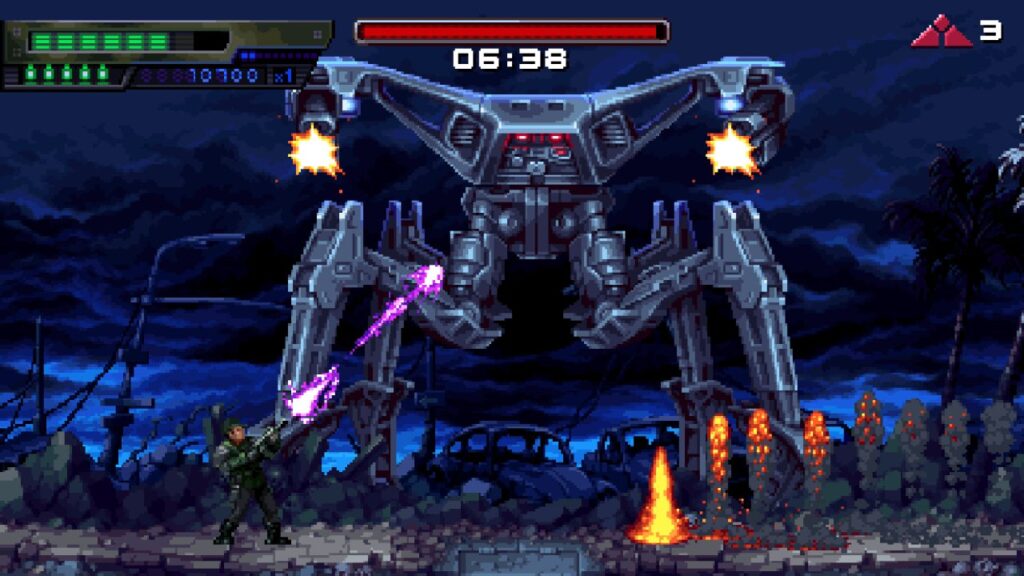
Terminator 2D: NO FATE for Nintendo Switch (NSP/XCI) is a 2D action-adventure platformer developed by Bitmap Bureau and published by Reef Entertainment. The game borrows elements from Terminator 2: Judgment Day but expands upon them with pixelated graphics, a cinematic 2D storyline, and multiple game modes, including Story, Arcade, Endless, Boss Battles, and an unlockable remastered campaign mode. The game aims to satisfy nostalgia for classic 90s arcade shooters with a modern aesthetic: precise movements, a variety of weapons, and challenging boss battles. Official release information and development/launch details have been confirmed by the publisher and retailers.
About the game: The Switch version offers the essential combination of intense gunfights, short stealth sequences, car chases, and boss battles that made the game famous on other platforms. Weapon switching, limited ammunition, and the chance to show off to top arcade players are the core mechanics of the game. Story missions are interspersed with short, tense, arcade-style levels that reward skill and repetition. The design prioritizes precise commands and responses, ideal for the Joy-Con and Switch Pro controllers, allowing for accurate and effective button mapping and sensitivity.
How to Install Terminator 2D: NO FATE NSP
- Download the ROM file from a mirror above.
- On console: copy the NSP/XCI to your SD card and install with a homebrew installer.
- On PC: open Yuzu or Ryujinx, add the game directory, then launch the game.
- Apply the included update/DLC for the full experience and enjoy!